Users, roles & security
Give each person exactly the access they need — no more.
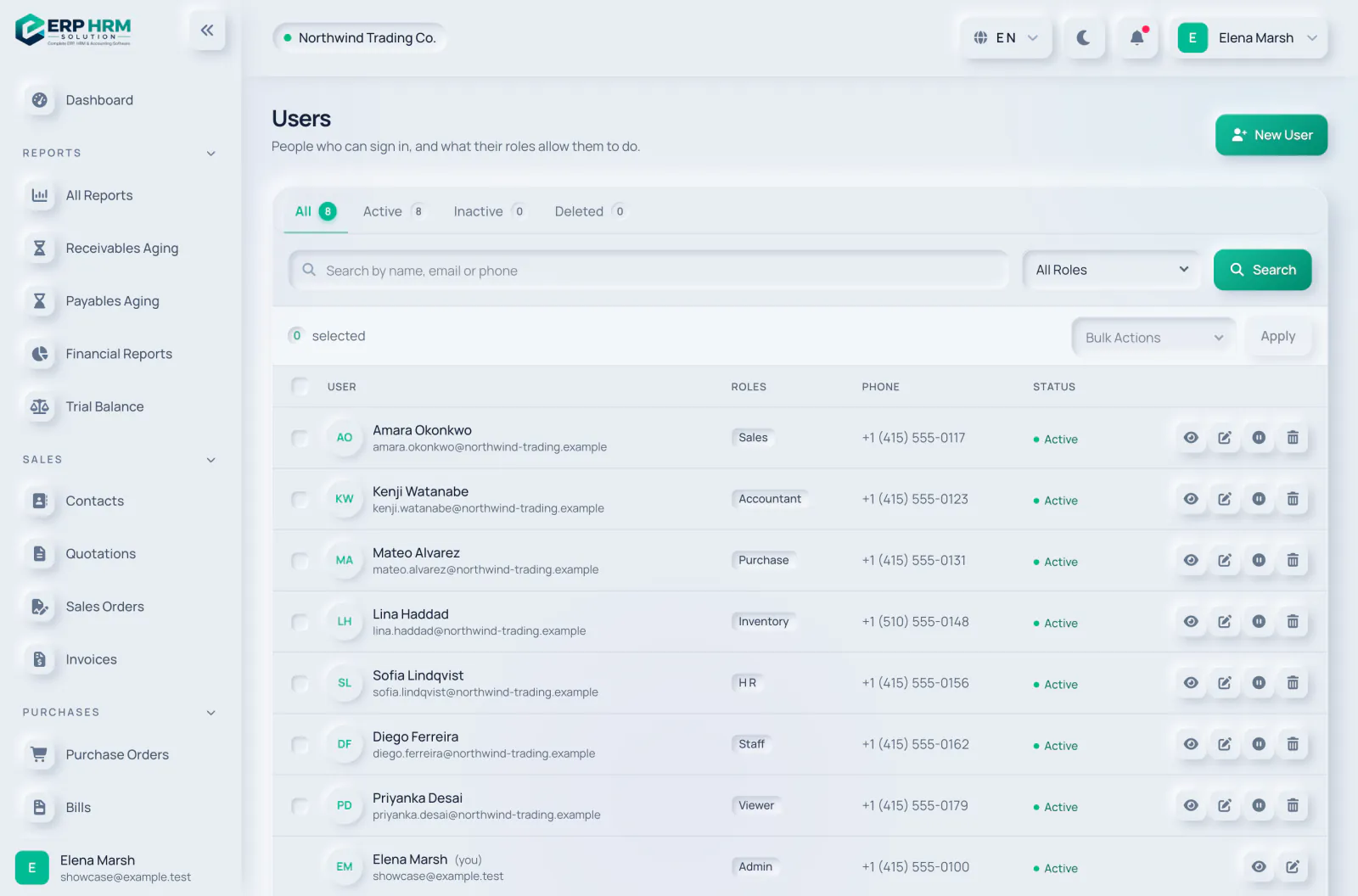
Users, roles & security, in detail
Role-based access, activity history and company data kept separate.
Ready-made roles
Admin, manager, accountant, sales, purchasing, inventory, HR, staff and viewer.
Fine-grained permissions
Every screen and action checks permissions on the server.
Activity history
Important changes are recorded with who did what and when.
Session controls
Sign out other devices, idle timeouts and account status checks.
More of Users, roles & security
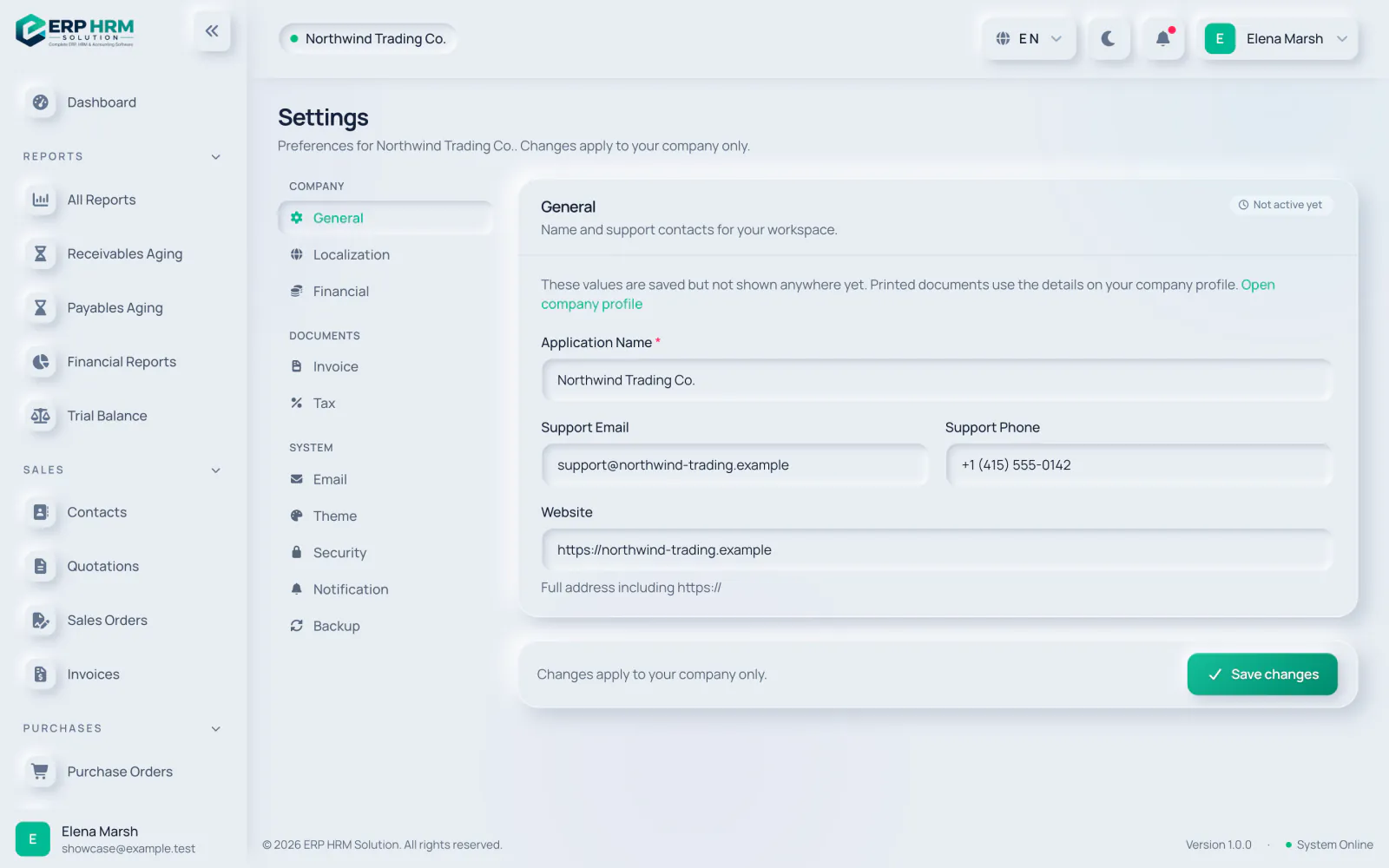
Company settings
Works hand in hand with
Every module shares the same customers, products, accounts and permissions.
People & HR
Employees, attendance, shifts and leave, with expiry reminders on documents such as iqama and Emirates ID.
Learn moreDashboard
See sales, purchases, cash, receivables and stock at a glance, for any period.
Learn moreIntegrations & mobile
A REST API with webhooks, online invoice payments and an installable mobile web app.
Learn moreQuestions about Users, roles & security
See Users, roles & security working with your own data
Start your free 14-day trial today. Your workspace is ready in minutes.