One platform, shaped around how you work
The same connected modules support very different ways of doing business. Here is how they fit together for six common setups.

Trading & distribution
Buy, stock and sell across warehouses with purchase orders, goods receipts, sales orders and invoices that stay in sync.
Modules used
See our Inventory software page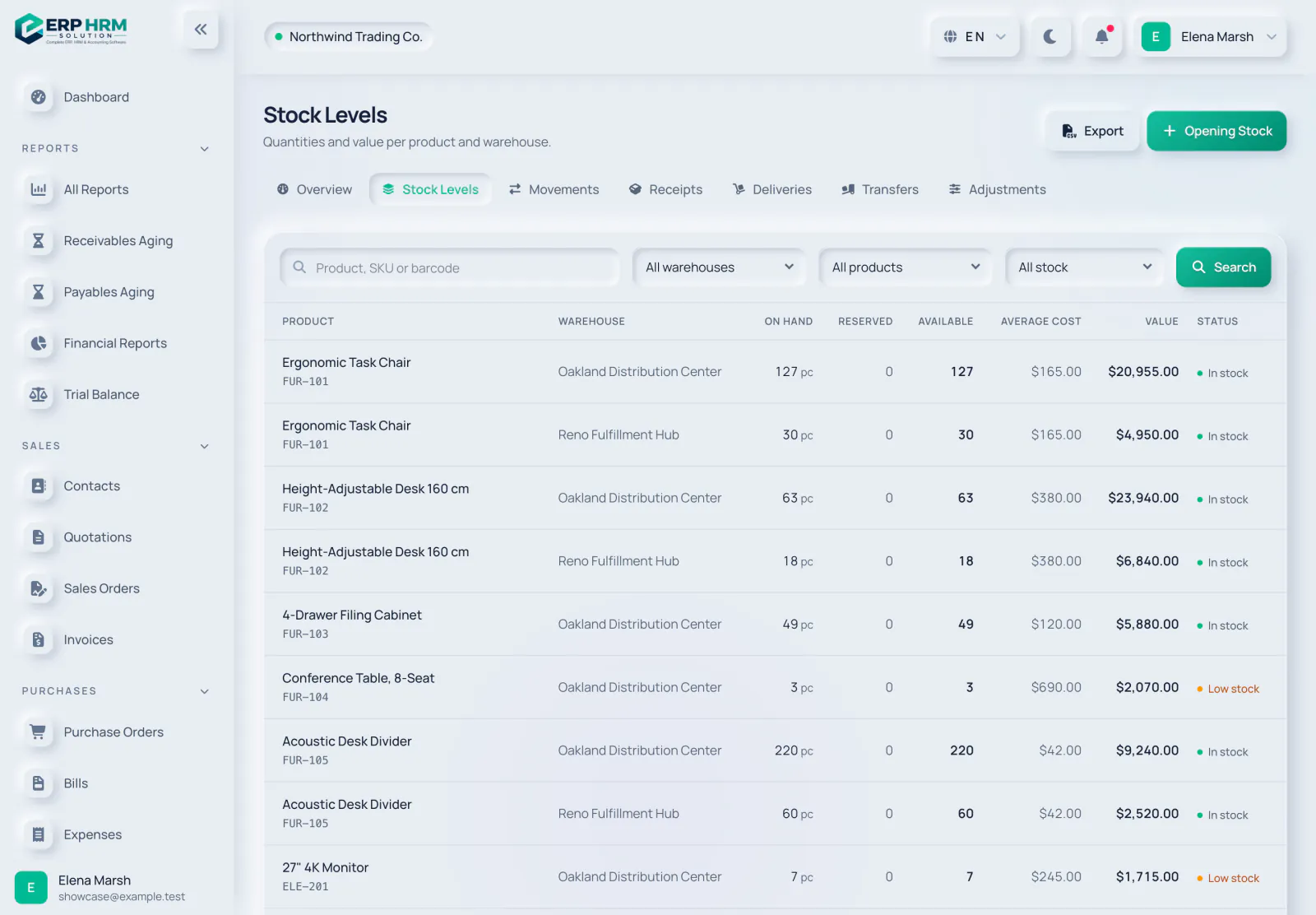
The workflow, step by step
-
1
Order from vendors
Raise and confirm purchase orders for each supplier.
-
2
Receive into stock
Record full or partial goods receipts in the right warehouse.
-
3
Move and count
Transfer between warehouses and post adjustments.
-
4
Sell and invoice
Turn quotations into sales orders and invoices, then record payments.
-
5
Know your position
Receivables, payables and stock value, always up to date.

Retail with point of sale
Sell at the counter with VAT-ready receipts, keep stock and supplier bills under control and know your margins.
Modules used
See our POS software page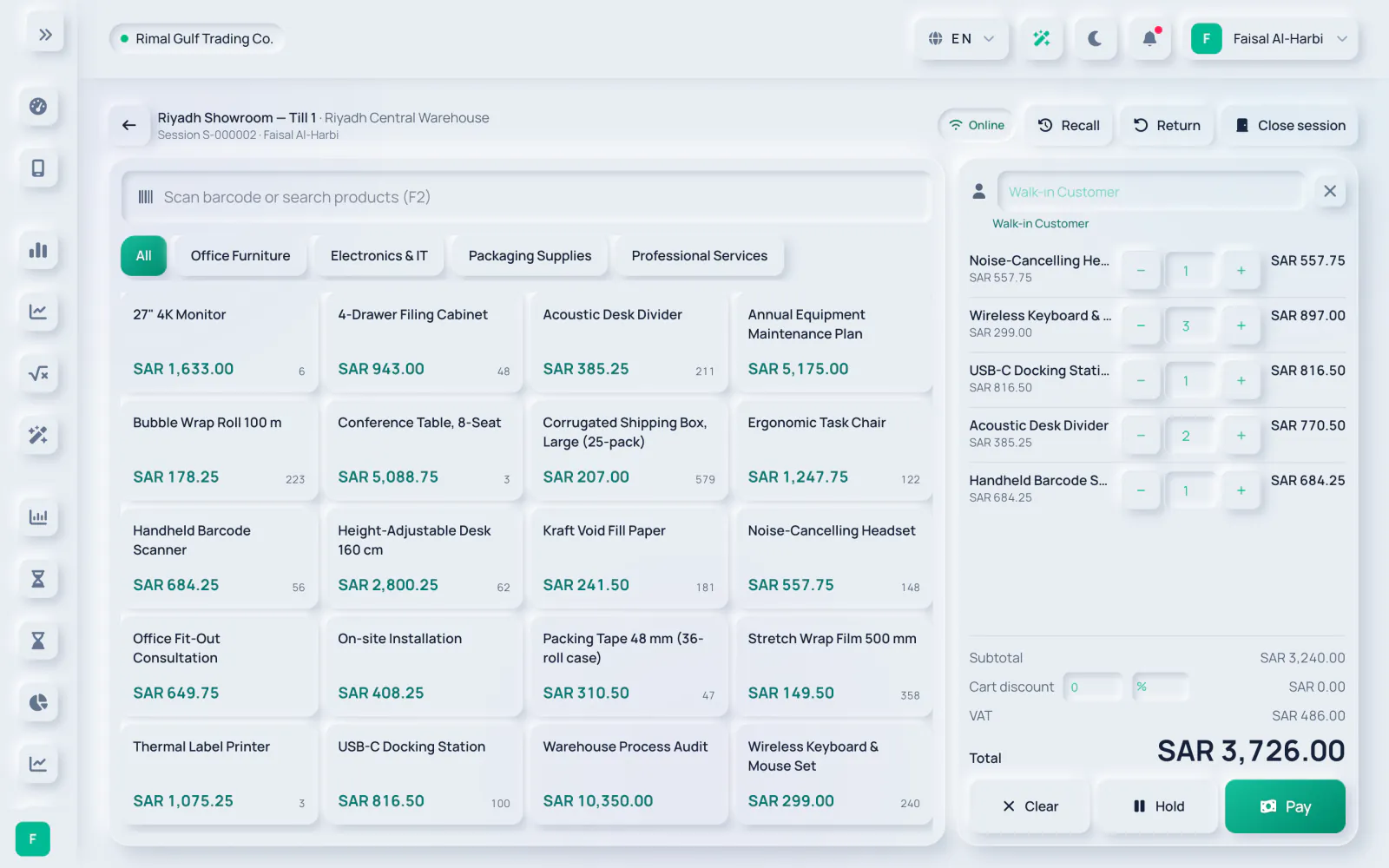
The workflow, step by step
-
1
Open the till
Cashiers open a session on a register with an opening float.
-
2
Sell at the counter
Sell from the catalogue, hold and recall sales, and take cash, card or other tenders.
-
3
Compliant receipts
Every sale is an invoice, so VAT and e-invoicing rules apply.
-
4
Stock follows
Stock is issued with each sale; restock with purchase orders and goods receipts.
-
5
Close the day
Count the cash, post any difference and freeze the Z report.

Services & projects
Win the work in the CRM, plan it in projects, bill approved time and milestones, and see what each project earned.
Modules used
See our CRM software page
The workflow, step by step
-
1
Win the work
Capture leads and move deals through your pipeline.
-
2
Quote the work
Turn a deal into a quotation with your taxes and terms.
-
3
Plan and deliver
Kanban boards, milestones and tasks for every project.
-
4
Track time
Team members log time; managers approve timesheets.
-
5
Bill and measure
Invoice approved billable time and milestones, then see each project's profitability.

Payroll-heavy GCC teams
Run monthly payroll with WPS and bank files, social insurance and end-of-service settlements, next to attendance and leave.
Modules used
See our Payroll software page
The workflow, step by step
-
1
Keep records
Employees, contracts and documents such as iqama, Emirates ID and visas with expiry reminders.
-
2
Time and leave
Attendance, shifts and leave requests with approvals.
-
3
Run payroll
Monthly runs from salary profiles, approved before anything is paid.
-
4
Pay salaries
Export the WPS SIF, Mudad or bank salary file and send payslips.
-
5
Settle end of service
Gratuity and final settlement under each GCC country's rules, with manual review where the law is unclear.

GCC finance & compliance
Close the books, reconcile the bank, file VAT returns and send e-invoices under ZATCA or UAE rules from one ledger.
Modules used
See our VAT return software page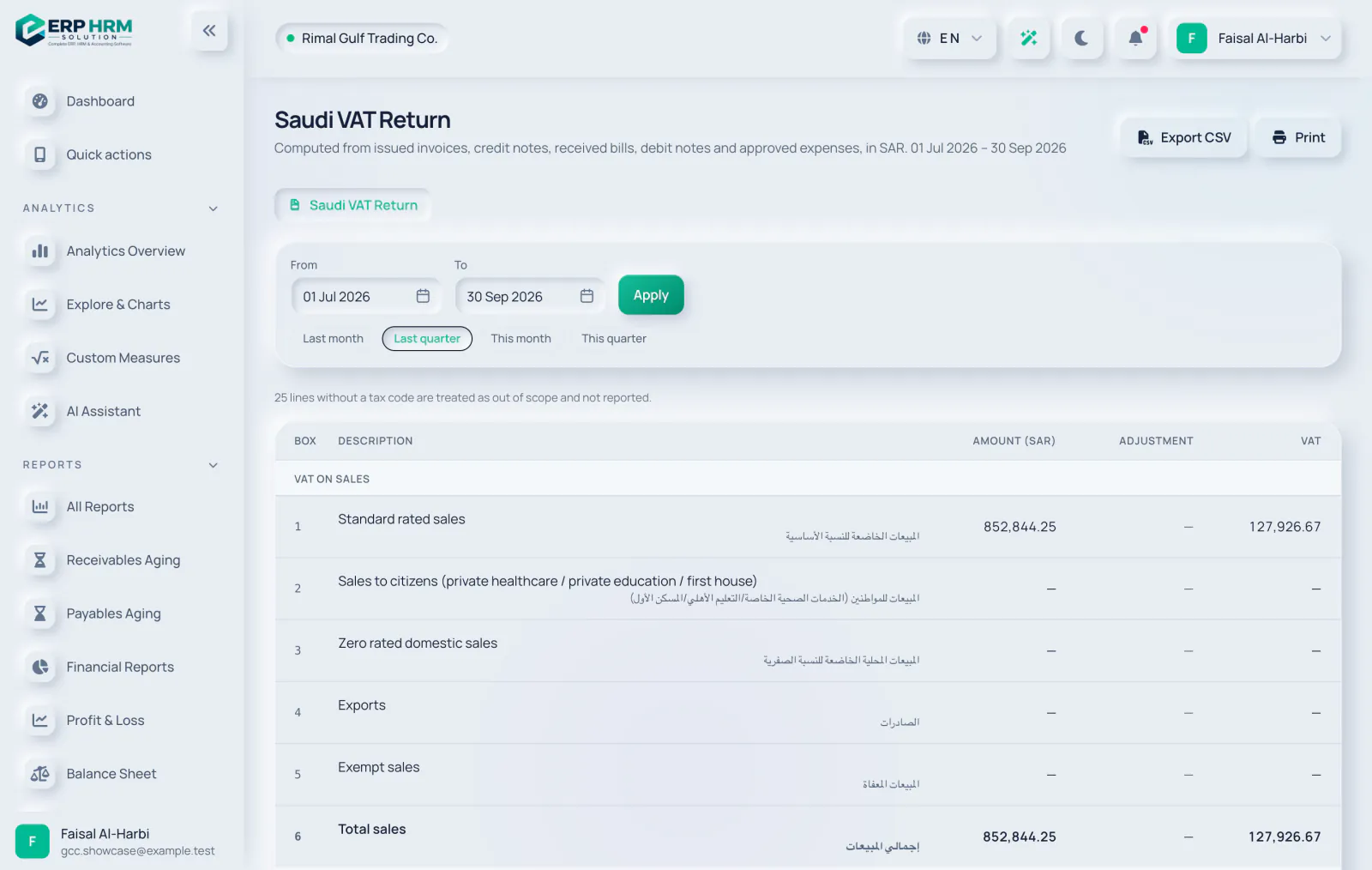
The workflow, step by step
-
1
Post automatically
Sales, purchases, payments, payroll and expenses post to one double-entry ledger.
-
2
E-invoice
ZATCA Phase 2 clearance and reporting, or UAE e-invoicing through your service provider.
-
3
Reconcile the bank
Import statements, match lines and reconcile to a zero difference.
-
4
File VAT
Build the Saudi VAT return or UAE VAT 201 from posted documents.
-
5
Close the period
Follow the close checklist, revalue currencies and lock the month.

Growing teams
Bring your people, approvals and finance into one workspace as you hire.
Modules used
See our HR software page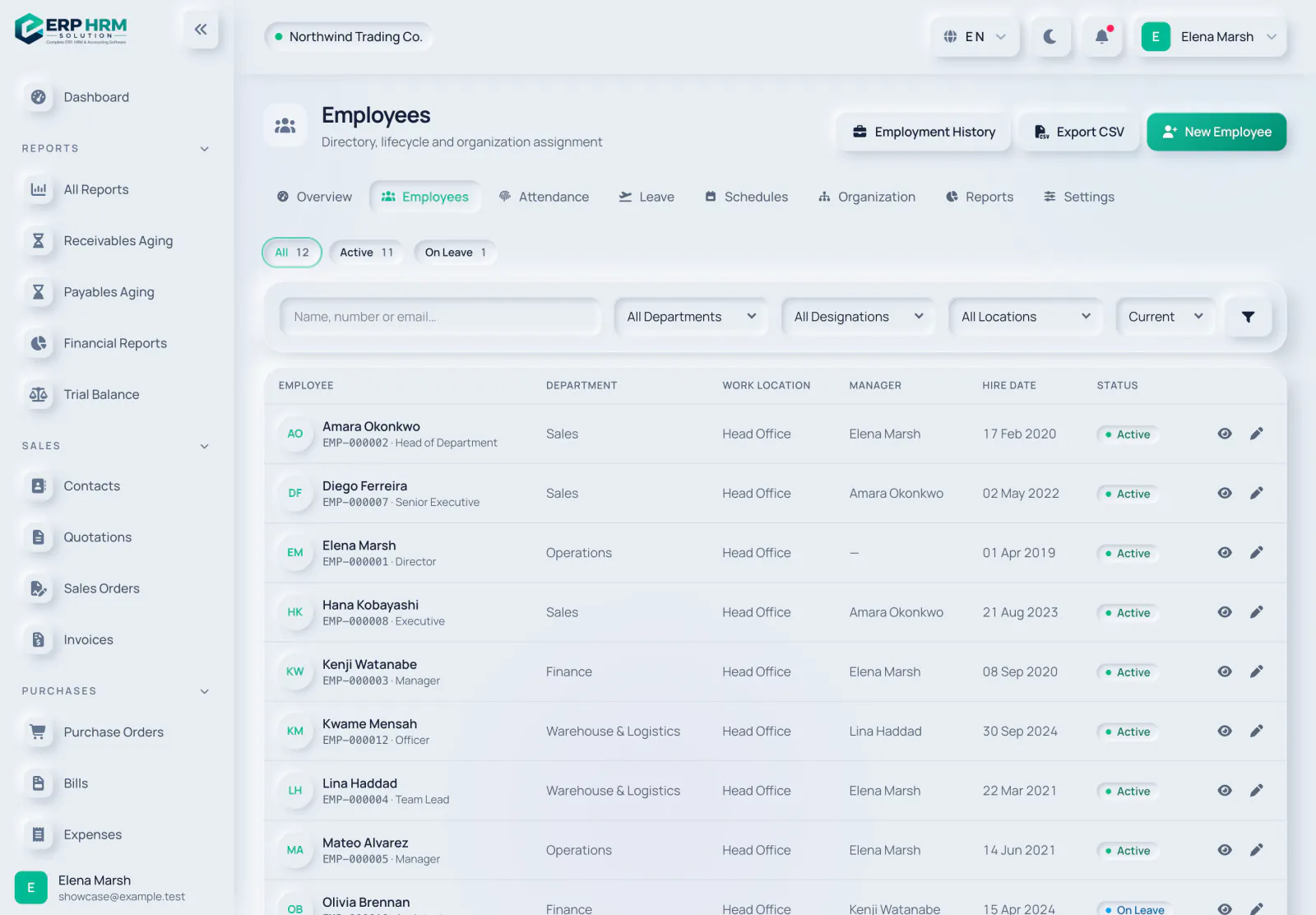
The workflow, step by step
-
1
Invite people
Add users and give each a ready-made role.
-
2
Keep records
Employees, departments, designations, contracts and documents.
-
3
Time and leave
Attendance, shifts and leave requests with approvals.
-
4
Approve spending
Expense approvals — nobody approves their own expense.
-
5
Ask for help
The AI assistant answers questions about your data and how to use the software.
Choosing between us, Odoo, Zoho or Tally?
All of them are capable products. The difference to check is what ships in the core. In ERP HRM Solution, GCC statutory work is part of the base product: ZATCA Phase 2 e-invoicing, UAE PINT-AE through a compatible accredited service provider, VAT returns for four countries, WPS, Mudad and bank salary files, social insurance and end-of-service rules for all six GCC countries — in Arabic and English.
Odoo and Zoho assemble a system from separate apps and marketplace modules; Tally is accounting software many Gulf businesses run on the desktop. Whichever you compare, ask the same two questions: is the salary file your bank accepts included, and is the VAT return form you actually file built in — or do they need add-ons, partners or spreadsheets?
Last verified: 2026-10-27
Your business does not fit one box?
Most companies combine several of these workflows. Every plan includes the connected core, so you can start with what you need today and use more modules as you grow.
Bring your whole business into one place
Start your free 14-day trial today. Your workspace is ready in minutes.